
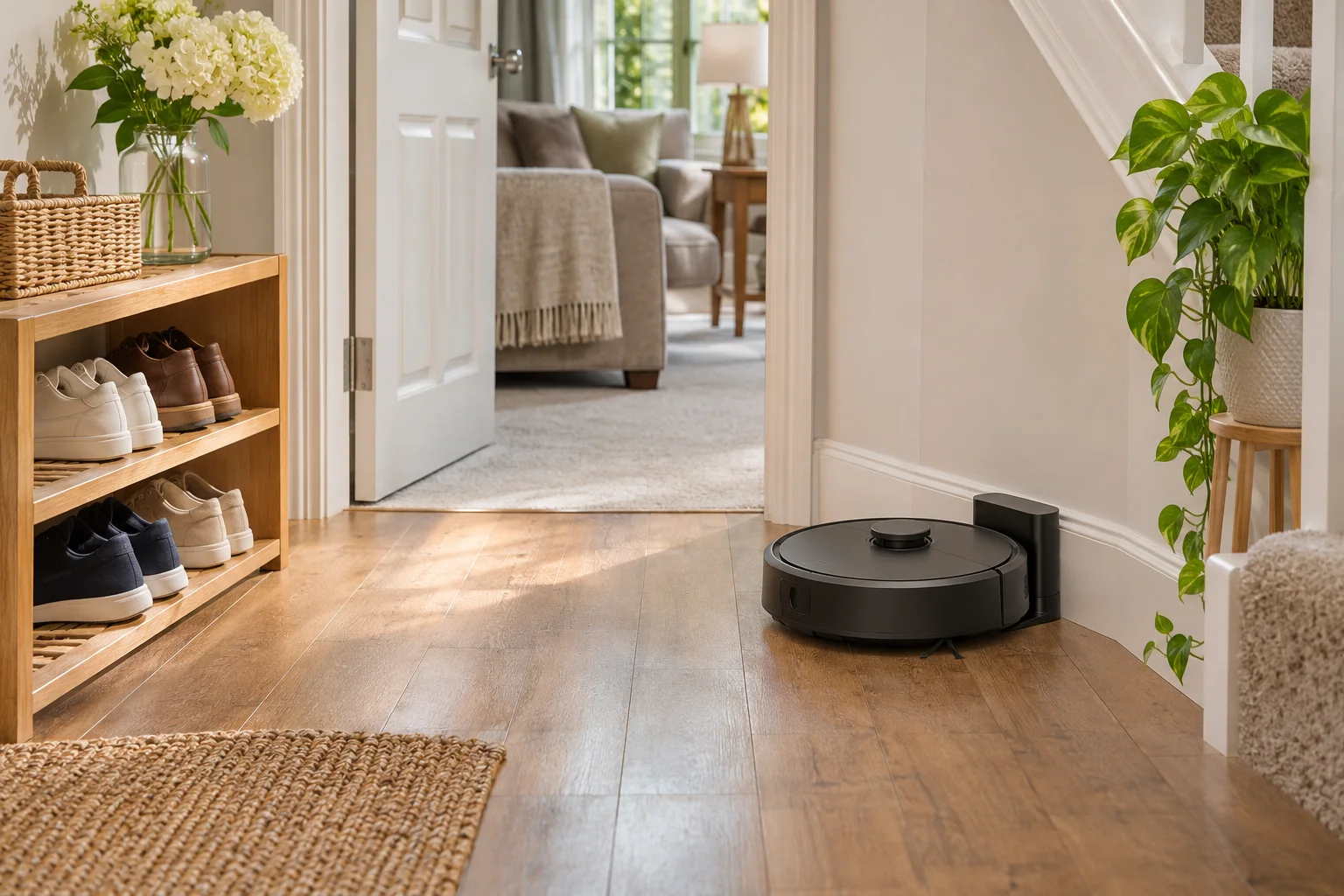
A robot vacuum tucked beside the hallway cupboard sounds convenient until the dock blocks a door or the mop setting worries you on a newly laid floor. A little planning before you buy can save both problems.
This robot vacuum cleaner buying guide looks at navigation, floor compatibility, dock space and the jobs you’ll still do yourself. If you’re comparing particular machines, our robot vacuum picks cover a range of simpler and more automated setups.
Choose the cleaning job first
For crumbs, pet hair and dust, a vacuum-only robot may be enough. A vacuum-and-mop model helps where the floor maker permits damp cleaning and marks build up in a kitchen or hall. The mop can be a cloth you wash by hand, spinning pads, or a roller that is refreshed during a run. More automation is useful only if you’ll maintain the water tanks and dock.
For a mostly hard-floor home, our hard-floor comparison looks more closely at those differences. No robot will clean stairs, upholstery or every tight corner, so keep another way to do those jobs.
Check your flooring and room layout
Follow the cleaning guidance for your exact floor before switching on a mop. Karndean says to check vacuum suitability and use a suitable damp-cleaning method for its flooring, while Quick-Step warns against moisture left around laminate edges. An unsealed timber floor or a floor with a different warranty may need a different approach.
Measure the height under furniture and the shape of thresholds between rooms. Manufacturer obstacle-height claims usually describe specific test conditions; a sloping door bar, rug edge or loose trim may behave differently. For mixed floors, check whether the robot lifts or removes its mop, and whether it can avoid the carpet entirely.
What navigation terms actually mean
LiDAR uses laser measurements to build a room map. Camera-based systems can add object recognition. Neither means you can leave cables, socks and children’s toys everywhere: prepare the floor for the first mapping run and check what the app says it can avoid. A mapped model should let you name rooms, set no-go areas and schedule useful zones, but check the exact version’s app controls before buying.
If a camera or microphone is involved, read the manufacturer’s privacy policy and app permissions, and check how updates are provided. Don’t assume every robot records video or that a camera-free model needs no account.
Allow for the dock and running costs
| Dock | What it does | What you still do |
|---|---|---|
| Charging base | Recharges the robot | Empty its dust bin and clean brushes |
| Self-empty base | Moves dust into a larger container or bag | Empty the container or replace bags; maintain filters |
| Full mop station | May wash, dry and refill the mop | Fill clean water, empty dirty water, clean tanks and replace consumables |
Measure the dock itself and leave the clearance in its manual for the robot to enter. Then check prices for compatible bags, filters, brushes, pads or rollers and any approved cleaning solution. A cheaper machine can cost more to live with if replacements are awkward to find.
Set it up for a useful first week
Place the dock on the surface and with the clearance required by its manual. Charge the robot, update the app if prompted and run an initial mapping clean with small obstacles put away. Mark stairs, delicate rugs and any room where mopping is unsuitable. Then try a modest schedule and see where it misses before increasing the frequency or water level. Check brushes, sensors and the dock after the first few runs.
Which kind should you buy?
For a home that’s mostly carpet, prioritise reliable vacuuming and consider a self-empty base if bin-emptying is the nuisance. For a kitchen and hallway with mop-safe hard flooring, compare actual mop care and dirty-water handling, not just a suction number. In a smaller flat, a compact dock and simple upkeep may matter more than a long feature list.
FAQs
Do robot vacuum cleaners need Wi-Fi?
Many can run a basic clean from a button, but mapping, room schedules and updates commonly rely on an app and Wi-Fi. Check the exact model’s manual for offline functions.
Can a robot vacuum go upstairs?
Most household robot vacuums cannot climb stairs. Some store maps for multiple floors, but you must carry the robot between levels and keep stairs clear.
How often do robot vacuums need cleaning?
It depends on hair, dust and the dock. Inspect brushes and sensors regularly, empty or replace dust containers as required, and follow the exact manual for mop and tank care.