
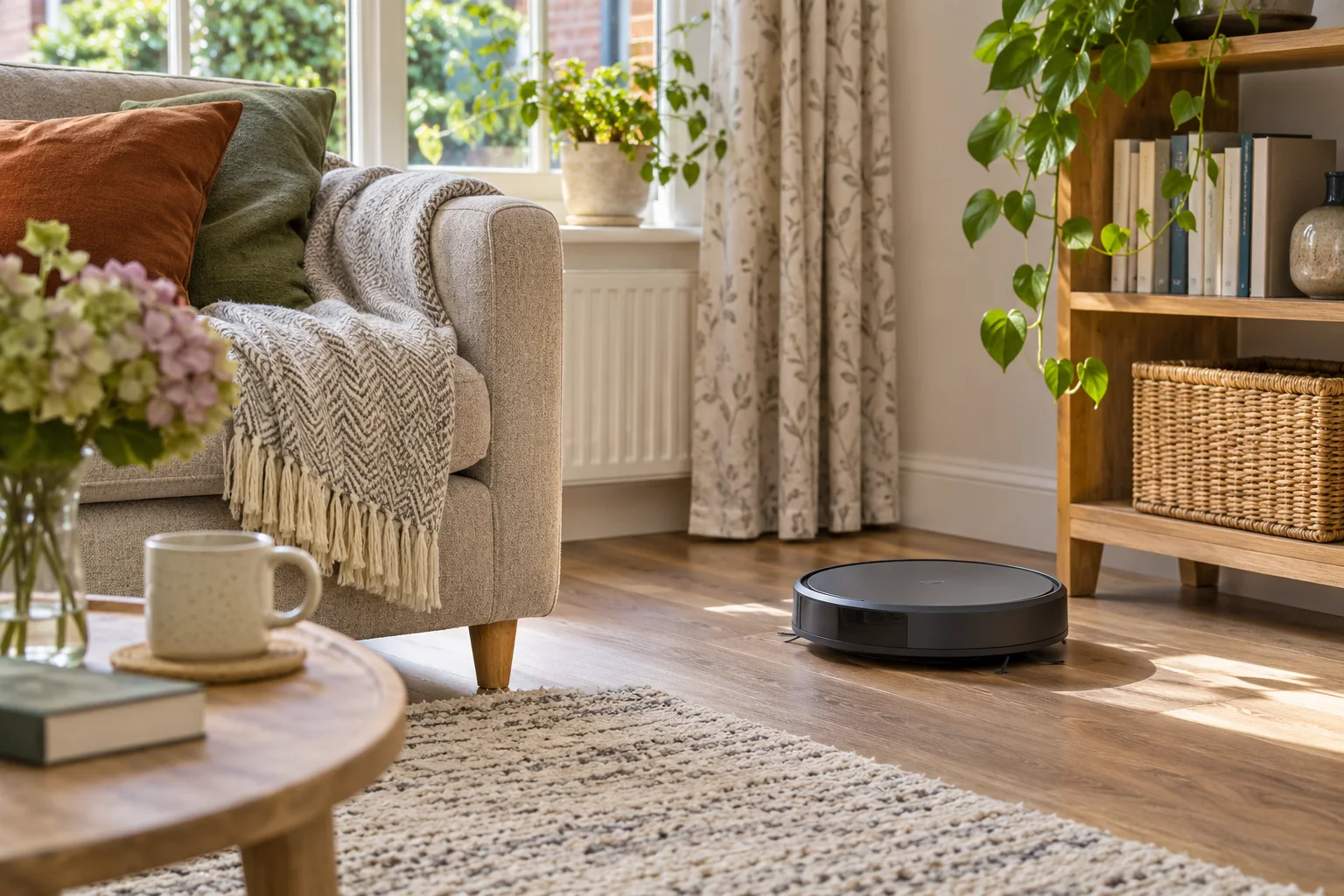
A robot vacuum can take a daily job off your hands, but you may want to know what information it collects as it moves around your home. Depending on the model, that could include room maps, obstacle images and a record of when it cleans.
This guide walks through the robot vacuum privacy and security checks worth making before you buy, from camera settings and account protection to deleting your data. We’ll explain where to find the information, with examples to help you know what to look for.
Find out what the robot records
Look beyond “smart mapping” in the product summary. Does the robot save a room map, photos of obstacles, cleaning history or voice recordings? A camera-equipped model is different from one that navigates with a laser or other non-camera sensors. Check the current privacy notice for the exact app and model, including whether data stays on the device or is sent to a cloud account. iRobot’s data-security guide explains how it treats home maps as sensitive information.
Check camera and image-sharing controls
On some models, reviewing obstacle images is an optional feature; on others, the camera is central to navigation. For example, iRobot describes an opt-in obstacle-image review feature for compatible robots. That is a model-specific example, not a promise about every robot. Find the setting in the app and decide whether the benefit is worth enabling for your household.
Secure the account and home network
Use a unique password for the robot’s app account and enable two-step verification if offered. Keep the app and robot software updated, and check how long the manufacturer supports security updates before buying. Review any remote-access setting you do not need. The National Cyber Security Centre’s home-device advice covers passwords, updates and connected-device settings.
Know what happens if you change your mind
Check whether you can delete a saved map, cleaning history and account data, and how to reset the device before giving it away. Uninstalling the app is not necessarily the same as deleting cloud data: iRobot explains that distinction for its compatible products. Note which cleaning features stop working if you turn mapping or cloud options off.
A short buying checklist
| Question | Where to look |
|---|---|
| What data is collected? | Exact model’s privacy notice and app permissions |
| Is a camera involved? | Navigation specification and image-sharing controls |
| Can I secure the account? | Unique password, two-step verification and update policy |
| Can I delete my data? | Map, history and account-deletion instructions |
| What works offline? | Manual and support guidance for the exact model |
On a phone, swipe the table sideways.
Privacy is one part of choosing a machine you’ll live with. Our robot vacuum buying guide covers floor handling, docks and running costs as well.
FAQs
Do all robot vacuums have cameras?
No. Navigation systems vary, so check the exact model’s sensors and app features rather than assuming it has a camera.
Can I delete a robot vacuum map?
That depends on the model and app. Check the maker’s map-deletion and account-deletion steps; removing the app alone may not delete cloud data.
Can a robot vacuum work without Wi-Fi?
Some models can perform basic cleaning offline, but features and software updates may be limited. Check the exact manual and keep its connected account secure if you use one.