

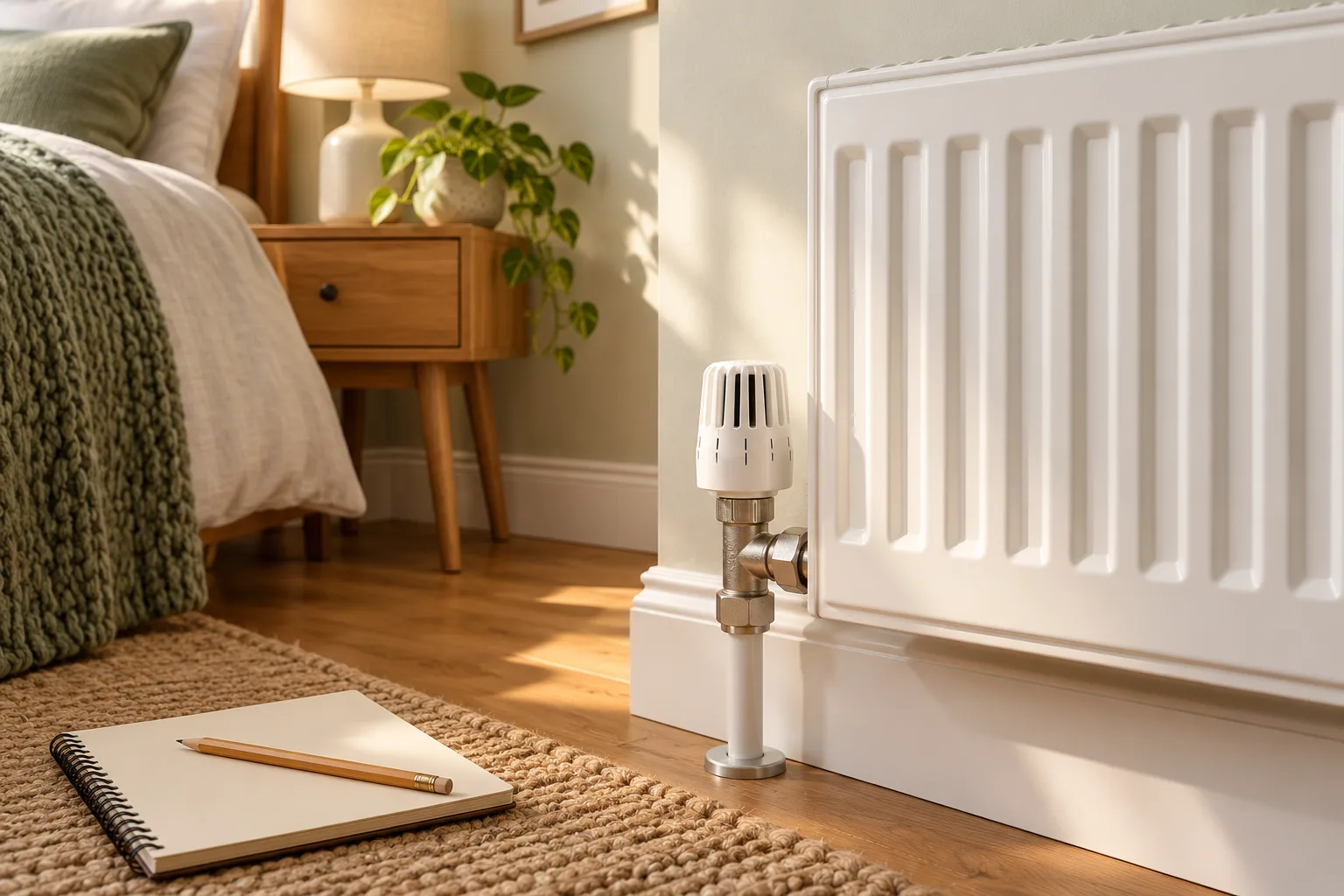
A colder spare room and a busy living room rarely need the same heating schedule. Smart radiator valves can help you manage those rooms separately, but it is worth checking what your heating already does before buying a box of valve heads.
This smart radiator valve buying guide explains the practical checks: whether a head will fit, what extra hub or boiler control you may need, and which features are worth paying for. It is a setup guide rather than another list of products; our six smart radiator valve picks cover exact options.
Start with the heating you have
A thermostatic radiator valve (TRV) controls how much hot water enters a radiator. A smart radiator valve replaces the adjustable head on a compatible valve, letting you choose a temperature or heating schedule for that room.
It still needs the boiler to supply hot water. If your main thermostat has switched the heating off, opening the radiator valve won’t warm the room unless the smart system can also ask the boiler to turn on.
Before buying, note the brand and model of your thermostat, heating programmer and any smart-heating hub. If you already use Hive, Wiser or tado°, adding compatible valves may be easier than replacing the whole system. Check the product generation too: tado° X doesn’t work with older V3+ systems.
Check the radiator valve body
Look beneath the current plastic head. A smart head needs a compatible thermostatic valve body to attach to; it is not a replacement for the whole metal valve. Identify the body brand and connection size, then compare it with the maker’s compatibility list and supplied adapters. tado° provides a valve-body compatibility guide and Drayton explains common adapter types.
A manual on/off valve is a different starting point. Changing the metal valve body involves the heating water circuit; arrange a qualified heating professional if that work is needed. Even when only the head is changing, follow the exact fitting and calibration instructions. Check there is enough space around the radiator for the smart head and for battery changes.
Know what the hub and thermostat each do
A hub, bridge or Thread border router connects smart heads to an app or smart-home system. A wall thermostat or wired boiler receiver controls when the heating plant runs. Some complete systems let a room ask for heat through the compatible central controller; some valve-and-hub combinations only control radiator flow while the heating is already on. A box marked “starter kit” may contain a hub and one head but no boiler controller.
This is why the valves versus smart thermostat guide is worth reading before you buy. If you want an upstairs bedroom to warm independently of the downstairs thermostat schedule, confirm the manufacturer’s exact heat-demand arrangement rather than assuming app control will do it.
Choose useful features, not every feature
Room schedules and a straightforward manual adjustment are the basics. An accessible dial or display matters when someone is in the room without a phone. Open-window detection, geofencing, remote sensors and voice control may help, but each can depend on extra hardware, network mode or a paid service. For example, Aqara’s W600 uses Thread or Zigbee, and its detailed smart schedules require Aqara Zigbee mode and a suitable hub. Aqara sets out those mode differences.
Think about batteries and connectivity too. Check battery type, how replacements are fitted and what the valve still does if the internet is down. Eve says its Thermo schedules live on the device; that does not mean every rival works the same way. If you use a radiator cover, thick curtain or large furniture close to the head, ask whether an optional separate room sensor would give a more useful temperature reading.
Add up the cost of the complete system
Write the cost for one, three and five rooms. Count every radiator you plan to control, the hub or Thread router if needed, a compatible boiler controller if you want room heat demand, and any installation. A multi-pack may reduce the per-head cost but still need an existing hub. Check whether advanced automations require a subscription; do not assume that a free basic schedule means every feature is free.
Avoid choosing from a headline savings claim alone. Smart control can make wasted heating easier to spot and avoid, but the result depends on how you use the rooms and what your old controls already did. Confirm the full setup first; then compare current prices on the product guide.
Before you order
- Identify the existing radiator valve body and any adapter needed.
- Check your current thermostat, programmer, hub and boiler arrangement.
- Confirm whether the chosen room can call for heat or only regulate its radiator.
- Price all heads, hubs, controllers, optional services and fitting.
- Read the exact manufacturer’s fitting and safety instructions.
Frequently asked questions
Can I put a smart head on a manual radiator valve?
Not directly. The radiator needs a compatible thermostatic valve body. If its metal body must be changed, arrange appropriate professional heating work.
Is a smart radiator valve the same as a smart thermostat?
No. A smart valve regulates one radiator. A smart thermostat or compatible boiler receiver controls when the heating runs. Some systems coordinate both.
Will a smart valve work without the internet?
It depends on the product and setup. Some keep stored schedules or allow manual control, while connected features need a hub and network. Check the exact manufacturer guidance.
How many valves do I need?
Count the radiators you want to control, not just the rooms. A room with two radiators may need two heads if you want both on the same room schedule.



 Sign up with Facebook
 Sign up with Google
